Frame and zero
On macOS, read Ctrl as ⌘ Cmd and Alt as ⌥ Option.
Solo and frame — Ctrl + click
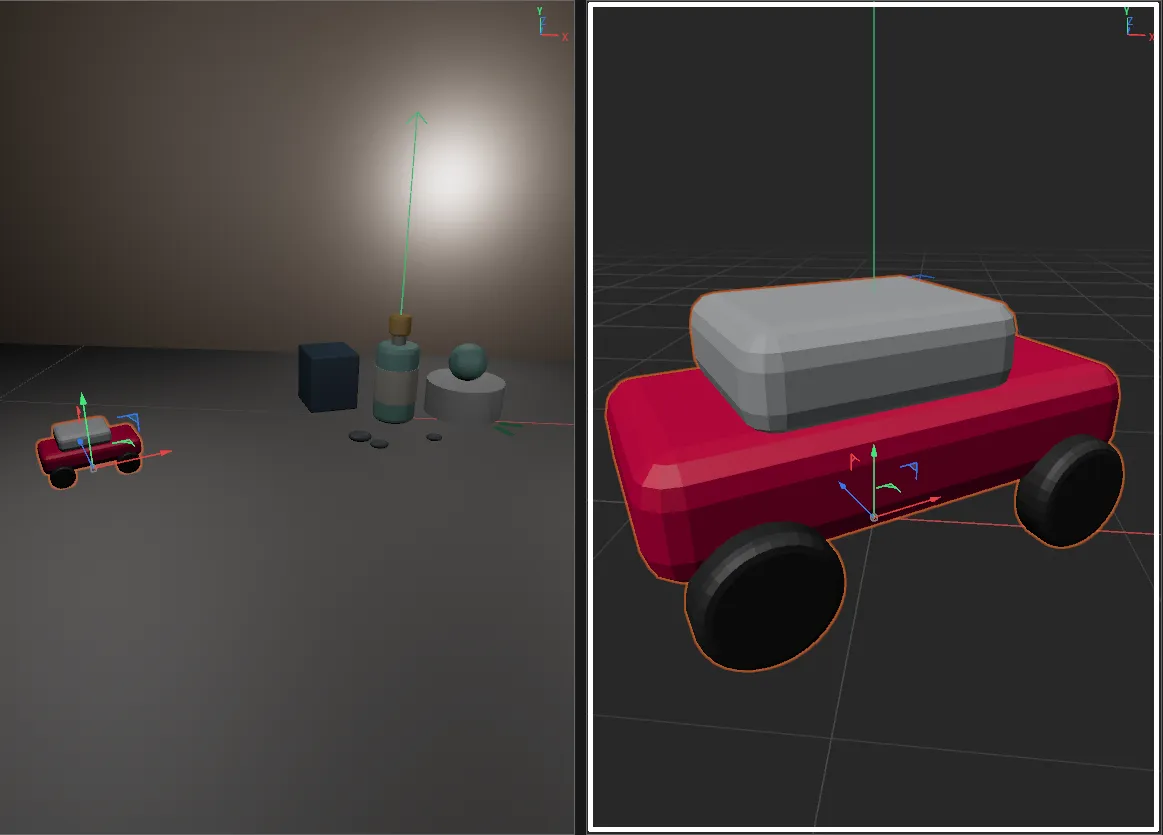
Section titled “Solo and frame — Ctrl + click”Hold Ctrl and click SuperSolo. The selection is soloed (if nothing is soloed yet) and framed in the active viewport, just as Cinema 4D’s own Frame Selected Objects would.
Already soloed? Ctrl + click keeps the solo you have and frames the selection — handy for jumping between objects inside a solo.
Solo, frame and zero — Alt + click
Section titled “Solo, frame and zero — Alt + click”Hold Alt and click SuperSolo. The selection is soloed (if nothing is soloed yet), moved to the world origin, then framed.
- One object moves so its position is exactly 0, 0, 0.
- Several objects move together: their combined centre goes to the origin and each keeps its position relative to the others.
Moving to the origin changes your scene — it is one undo step, so Ctrl + Z (⌘ Z) puts the objects back. Un-soloing does not.
When a scene camera is active
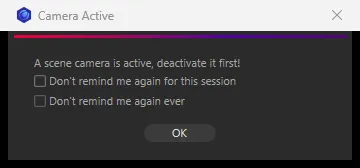
Section titled “When a scene camera is active”Framing moves the editor camera. If the viewport is looking through a camera from your scene, SuperSolo stops and shows Camera Active — A scene camera is active, deactivate it first! Switch the viewport back to Cinema 4D’s default camera from the viewport’s Cameras menu, then try again.
The solo itself still happens, and with Alt the objects still move to the origin — only the framing is skipped.
The message has two boxes:
- Don’t remind me again for this session — quiet for this document.
- Don’t remind me again ever — quiet for good. Switch it back on in Preferences.